
A conference entrance has to communicate quickly. Put the event name where attendees can see it, then direct them toward registration or the room they need. A white-framed digital totem provides an information point without asking the reception team to repeat the same instruction to every arrival. Keep the first screen focused: identity, destination and the next relevant detail. For a corporate dinner or gala, the same arrival point can introduce the occasion before guests move to their assigned tables. Choose the message for the audience, not for the equipment.
Conference digital signage rental in Houston
BlueBox rents 65-inch floor-standing displays for Houston conferences and corporate events. Use them for welcome messages, agendas, sponsor displays and wayfinding, with packages from $1,200.
View rental packages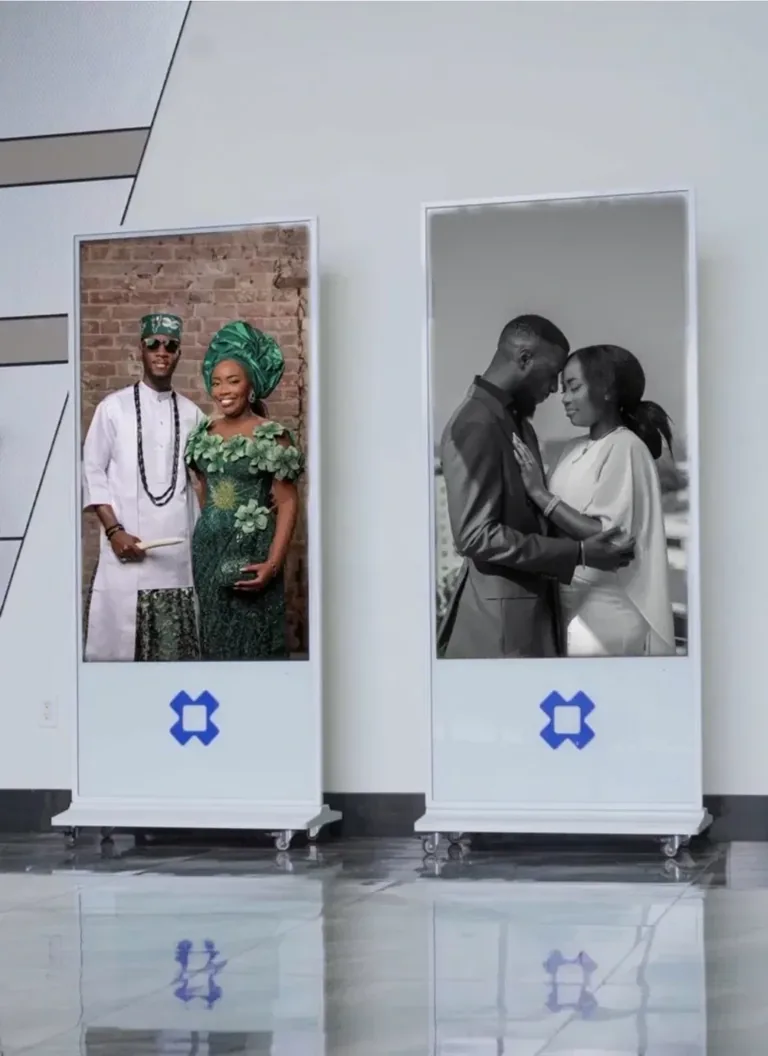
Delivered. Set up. Picked up. From $1,200 per event.
A better arrival
Give delegates a clear arrival point
Premium displays.
Houston-local service.
An agenda screen with a job to do
A full conference programme can be too dense for a passing glance. Use the physical display for the session or direction that matters now, and the included phone experience for the wider programme. An agenda screen should help a delegate make the next decision. A sponsor display has a different job: it gives approved partner content a considered place in the room. Agree the content order, spelling and artwork with the organiser before delivery. Do not assume a rotating sponsor loop replaces the signage or recognition commitments in your own contracts.
TV rental for a conference is not one format
If your brief asks for TV rental for a conference, explain whether you need an entrance kiosk, presentation monitor or stage backdrop. BlueBox supplies premium 65-inch floor-standing totems, with a screen above a solid base. That format is different from a modular LED wall or a projection system. An event monitor at registration serves people nearby; a stage screen may need a different viewing setup. We do not invent brightness, sound, connection or outdoor specifications. Discuss the actual use before treating a familiar rental phrase as a technical specification.
Book. We deliver & set up. We pick up.
- 01
Book
Check your date and venue. After approval, a 50% deposit confirms your rental; the balance is arranged separately before the event.
- 02
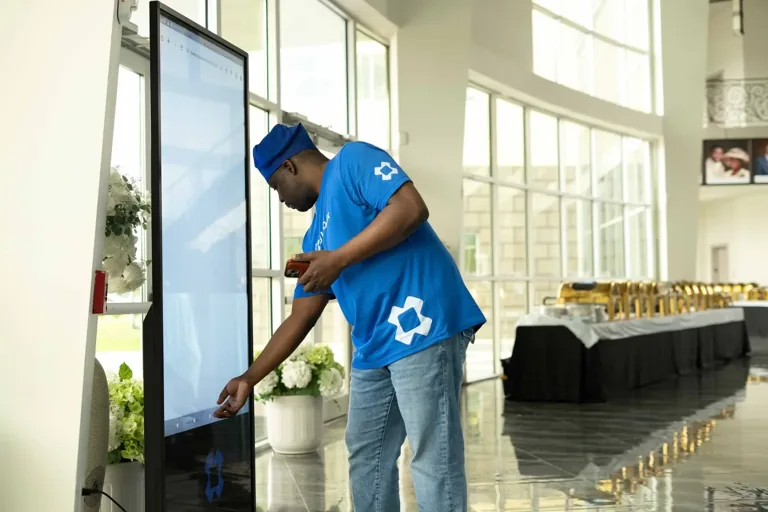
We deliver & set up
Your displays arrive for the confirmed venue arrangement. Delivery and setup are included; access and placement are agreed with your venue.
- 03
We pick up
We collect the displays after your event according to the agreed pickup arrangement. No equipment return trip for you to organise.
Included with your confirmed rental
- Premium 65-inch floor-standing display totems
- Delivery, setup and pickup
- BlueBox Digital / Complete Experience for your event
- Guest check-in and seating
- Food, games and Celebration Wall
Plan for hotels and convention centres
A ballroom or convention centre may have supplier check-in, a designated loading route and fixed setup windows. GRB, NRG and Marriott Marquis are useful reference points when explaining the kind of Houston venue you have in mind, not claimed BlueBox partners. Send the actual location and the venue contact’s access requirements. Ask about doorways, lifts, power and whether a display may be placed in the intended area. Venue approval is separate from rental availability. A well-planned entrance respects the building’s operations as well as the organiser’s presentation.
Bring the guest experience together
BlueBox Digital is included with every confirmed rental. It covers guest check-in, seating, food, games and the Celebration Wall for the event. For a conference, use the relevant modules deliberately rather than filling the programme with every possible interaction. A seated awards dinner may need table search; a brand activation may prioritise a welcome and guest information. Publish only the content your team has reviewed. The physical screen and phone pages should carry the same event identity while giving attendees information appropriate to each surface.
Brief the rental like an event producer
Start with the date, venue, event type and number of screens. Then list the locations that need them and the content owners for each. This makes it easier to discuss whether one entrance display or a collection suits the plan. BlueBox packages range from One at $1,200 to Grand with four displays at $3,950. Delivery, setup and pickup are included; an availability request is not an approved booking. Following approval, a 50% deposit confirms the rental, with the remainder arranged separately before the event. No automatic balance collection is promised.
Your display collection
Per event. BlueBox Digital included with confirmed rentals.
One
$1,200
1 displayCheck your dateSignature
$2,250
2 displaysCheck your datePremier
$3,150
3 displaysCheck your dateGrand
$3,950
4 displaysCheck your dateNo charge for an inquiry. After approval, a 50% deposit confirms the booking. The balance is due before the event by separate arrangement; it is never collected automatically. Rental terms
Your event starts here
Check your date.
Tell us where and when. We’ll review the date, venue and displays before a booking is confirmed.
(832) 246-6242
support@bluebox.events
Prefer to reserve online? Continue to rental requests.
Good questions.
Clear answers.
Can I use a sponsor screen?
Yes. Sponsor loops are a rental use. Provide approved artwork and agree the intended display plan; BlueBox does not claim sponsors or affiliations on your behalf.
Are you a GRB or NRG preferred vendor?
No preferred-vendor relationship is claimed here. Share the actual venue and supplier requirements so access and setup can be reviewed.
Is this a presentation video wall?
No. The product is a 65-inch white-framed floor-standing totem. Review your audience distance and content needs if your brief requires a stage screen.
Can guests see the agenda on phones?
BlueBox’s phone experience supports event programme information. Plan the full agenda there and focused welcome or agenda content on the physical display.
Can I have several information points?
Packages include one, two, three or four screens. Choose based on registration points and room flow; availability is confirmed for your event date.
Is supplier setup included?
Delivery, setup and pickup are included. Your venue’s loading, power and access rules still need to be coordinated before the event.
Find the right display for your event
Greater Houston: Houston · Katy · Sugar Land · The Woodlands · Cypress · Spring · Pearland · Missouri City · Richmond · Humble · Kingwood · Pasadena · League City · Friendswood · Conroe · Galveston